Low-Light & Night Repair Mode — AI Video Enhancer for Dark Footage
Rescue footage shot in the dark. Low-Light & Night Repair Mode brightens, denoises, and recovers detail lost in shadows and nighttime scenes.
Drop your video here or click to upload
MP4 or MOV — up to 4K. Your file stays private.
100% free to try. Files are processed privately and removed automatically.
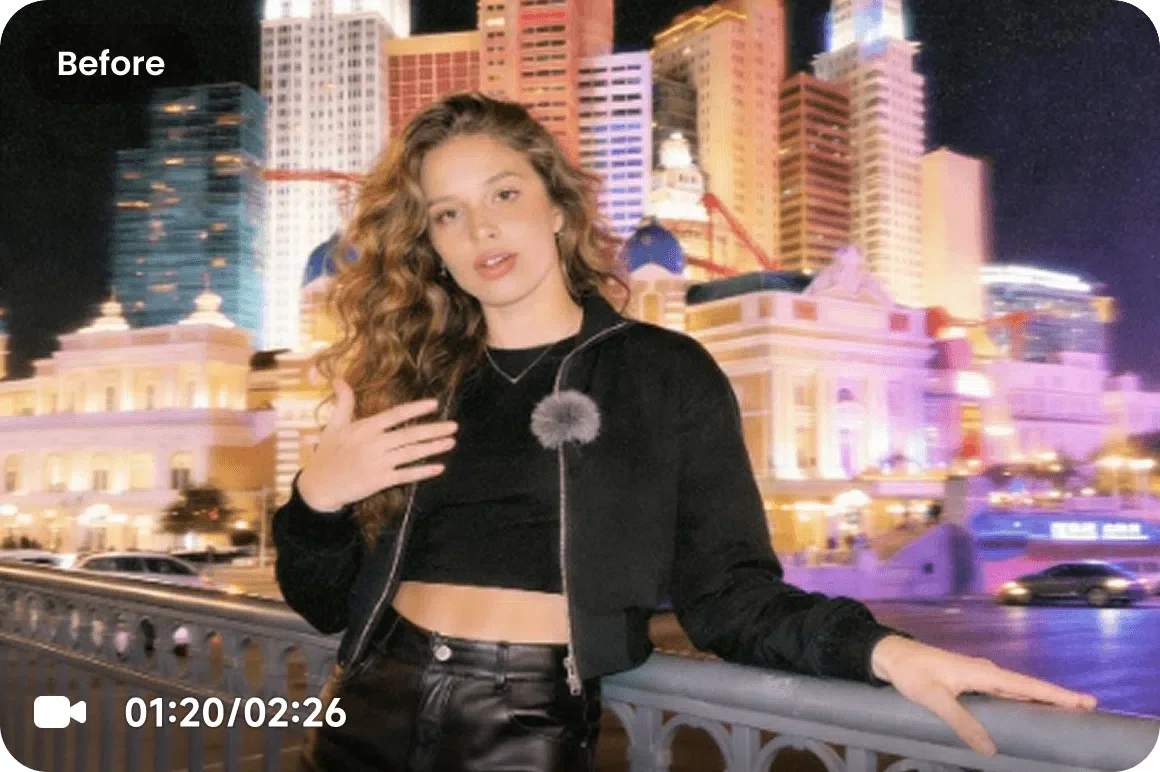
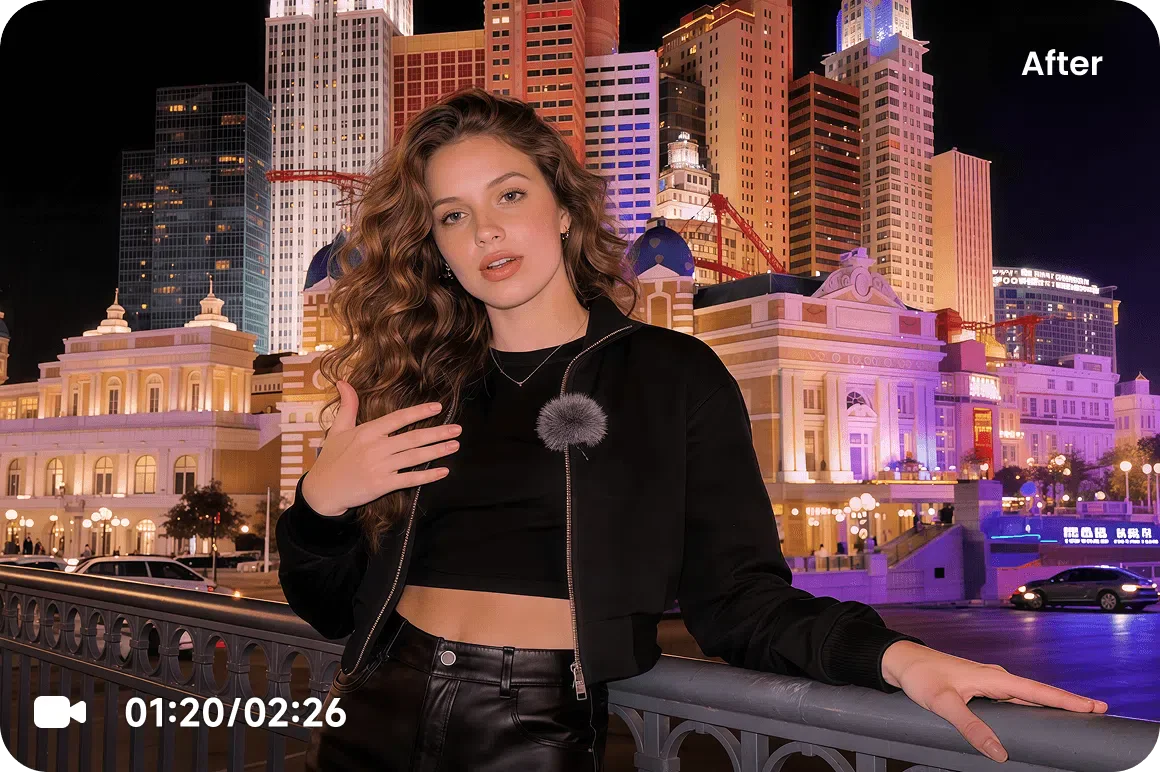
What Low-Light & Night Repair Mode Does
Low-Light & Night Repair Mode is built for dark and noisy footage. It lifts brightness intelligently, reduces the heavy graininess that appears in low-light recordings, and recovers detail buried in the shadows — all without blowing out highlights or introducing color casts. Night scenes, dim interiors, and underexposed clips come back clean, visible, and natural.
When to Use This Mode
Choose Low-Light & Night Repair Mode for any underexposed clip:
- Night-time vlogs, concerts, and event footage.
- Security and dashcam clips recorded in the dark.
- Dim interior shots and underexposed phone video.
- Grainy low-light footage that needs noise cleaned up.
How It Works in 3 Steps
Upload Your Dark Footage
Upload any underexposed, night, or low-light MP4 or MOV clip.
Select Low-Light & Night Repair
Pick the Low-Light model so the AI brightens and denoises without crushing detail.
Download the Result
Preview the before/after, then download your enhanced video as a standard MP4 file ready for any platform.
Discover Other Enhancement Modes
De-AI Mode
Restore a natural, authentic look to videos created by AI models like Sora, Kling, Runway, and Seedance. Our video enhancer removes the tell-tale artificial smoothness and digital artifacts.
Portrait Restoration Mode
Bring faces back into focus. Portrait Restoration Mode sharpens facial detail, skin texture, and hair on any footage of people for stunning, natural close-ups.
Product Enhancement Mode
Make every product look its best. Product Enhancement Mode delivers crisp, color-accurate eCommerce and ad video that drives clicks and conversions.
Low-Light & Night Repair Mode
Rescue footage shot in the dark. Low-Light & Night Repair Mode brightens, denoises, and recovers detail lost in shadows and nighttime scenes.
Gameplay & Screen Recordings Mode
Level up your captures. Gameplay & Screen Recordings Mode sharpens fast-motion gameplay and crisp UI text so your clips look clean at any resolution.
Anime & Animation Mode
Give animation the clarity it deserves. Anime & Animation Mode cleans line art, boosts color, and upscales animated footage without muddying the look.
Frequently Asked Questions
No. Low-Light & Night Repair Mode brightens and denoises together, so you recover visibility without amplifying the graininess typical of dark footage.
It performs best when some detail exists in the shadows. For very dark scenes it recovers as much hidden detail as possible while keeping the result natural.
The model is tuned to preserve accurate color while lifting exposure, so you avoid the unnatural color casts that simple brightness boosts cause.